
How To Secure A Website?
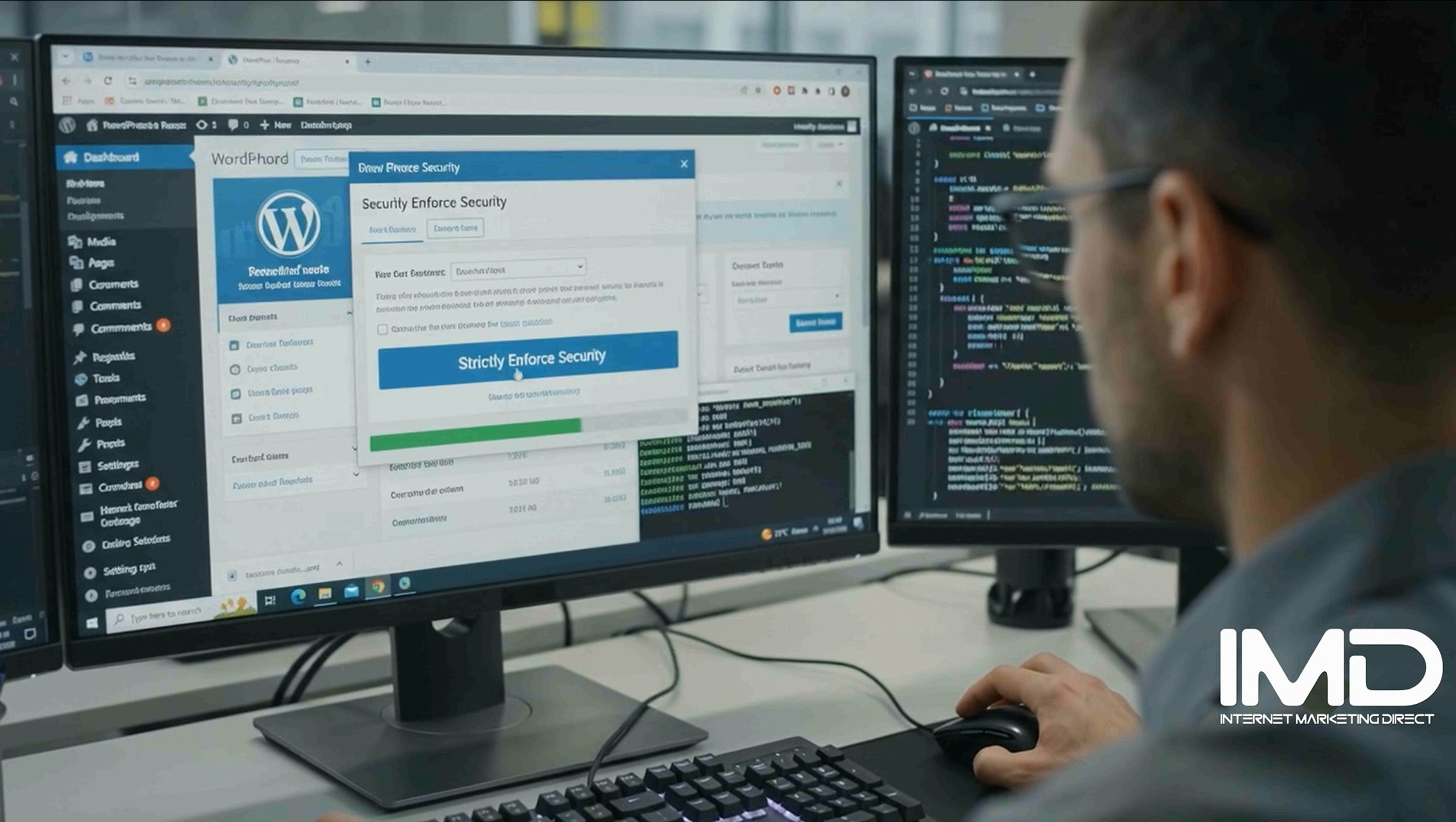
Securing a website is essential to protect it from cyber threats, data breaches, and malicious attacks. Here are some basic tips to enhance website security:
1. Keep Software Updated:
- CMS and Plugins: Ensure your content management system (CMS), plugins, themes, and any other software are regularly updated with the latest security patches and versions.
- Server Software: Keep server software (e.g., Apache, Nginx, PHP) up to date to mitigate vulnerabilities.
2. Use Strong Authentication:
- Complex Passwords: Enforce strong password policies for all users, including administrators and contributors. Use a mix of uppercase, lowercase, numbers, and special characters.
- Two-Factor Authentication (2FA): Implement 2FA for additional security, requiring users to provide two forms of verification before accessing the website.
3. Secure Hosting Environment:
- Choose Reputable Hosting Provider: Select a hosting provider that prioritises security, offers regular backups, and implements robust server security measures. Contact us to discuss your website hosting needs as we specialise in secure hosting plans.
- SSL/TLS Certificates: Install SSL/TLS certificates to encrypt data transmitted between users and your website, protecting against interception by third parties.
4. Regular Backups:
- Backup Schedule: Maintain regular backups of your website and database. Store backups securely off-site or in a separate server to ensure data recovery in case of a security incident or hardware failure.
5. Implement Website Security Measures:
- Firewall Protection: Use a web application firewall (WAF) to filter and monitor HTTP traffic, blocking malicious requests and protecting against common attacks like SQL injection and cross-site scripting (XSS).
- Security Plugins: Utilise security plugins or extensions (depending on your CMS) to scan for vulnerabilities, monitor file integrity, and protect against malware.
6. Monitor and Respond to Threats:
- Security Monitoring: Regularly monitor website activity, server logs, and security alerts for suspicious behavior or unauthorized access attempts.
- Incident Response Plan: Have an incident response plan in place to quickly respond to and mitigate security breaches or compromises.
7. Educate Users:
- User Training: Educate website administrators and users about best security practices, phishing awareness, and how to identify suspicious emails or links.
8. Disable Unused Features and Services:
- Reduce Attack Surface: Disable or remove unnecessary plugins, themes, and services that are not actively used, reducing potential vulnerabilities.
9. Secure File Uploads:
- File Validation: Validate and sanitize file uploads to prevent malicious files from being uploaded to your server. Restrict file types and sizes as necessary.
10. Regular Security Audits:
- Penetration Testing: Conduct regular security audits and penetration testing to identify and address vulnerabilities before they are exploited by attackers.
By following these basic tips and adopting a proactive approach to website security, you can significantly reduce the risk of security breaches and protect your website and user data effectively.
I hope you found this article informative: How to secure a website?